
Connect your AI-built website to DigiNest
Choose editable content and languages, prepare the connection brief and verify the first change on your website.
INSIDE DIGINESTFICTIONAL DEMO
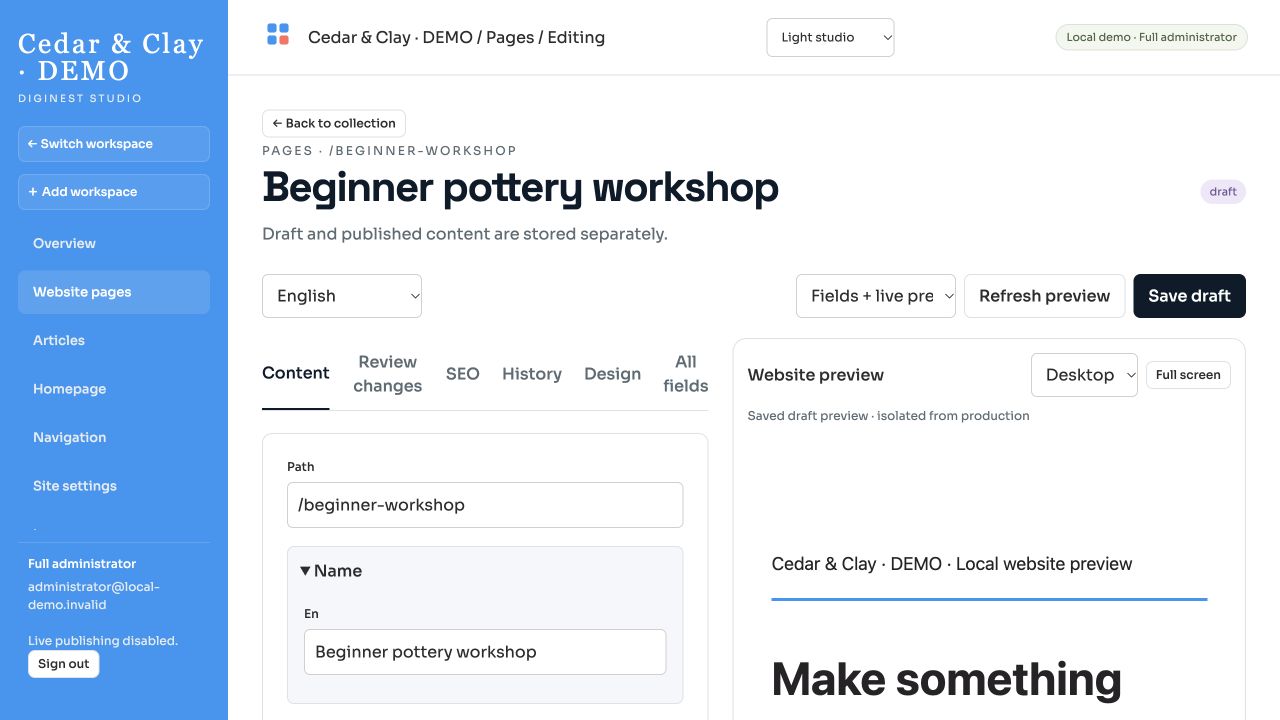
Your website is online. Now you want your team to update the service descriptions, images and articles while you keep control of its layout. Start by deciding what should become editable, then arrange a connection review for the existing website.
This is an assisted setup guide. New customer GitHub repositories need a compatible website adapter and a verified publishing connection. Entering repository details in DigiNest does not import a website or activate syncing.
1. Choose the content your team should control
Make a short list of fields for one page: the heading, introduction, service description, image and enquiry label, for example. Keep layout decisions separate, including where sections appear and how they behave on different screens.
Fictional example: A photography studio wants an editor to change package descriptions and portfolio captions. Its developer continues to maintain the gallery layout. The first connection review covers those content fields rather than promising that every visible part of the website will become editable.
2. Plan language versions before the connection is built
If your website needs more than one language, list the languages and the fields that need a version in each. Agree who writes or reviews each language and what the website should do when a translation is missing.
Ask the setup team to confirm your plan's current language allowance and how your particular website will render those versions. A language selector, translated URLs and fallback behavior need to match the website implementation. Do not assume that adding a language in a CMS automatically translates or changes the public site.
3. Collect the connection details
Prepare a non-secret brief with your website address, GitHub repository in owner/name format, confirmed source branch, hosting provider, framework and developer contact. Include the page and content fields you want to start with, plus any language requirements.
Keep ownership of the repository, hosting account and domain with your business. Your hosting bill is separate from DigiNest. Leave passwords, access tokens and private keys out of the brief and CMS fields.
4. Agree the adapter and access
The website adapter is code that maps DigiNest content to the website's pages. Your developer and the setup team need to agree the content structure, snapshot path, media handling, build command and preview process. It is a compatibility task, even if AI produced the original layout.
Follow the verified installation instructions the team provides. Review the GitHub App owner and requested permissions, and select only the website repository when that option is offered. Repository access and hosting deployment access are separate checks. Do not paste Vercel details into GCP-specific fields.
GitHub is the current assisted connection route. DigiNest has no direct GitLab or Bitbucket connector. If your website uses either, keep its existing repository while the team reviews the options.
5. Save the agreed settings, then verify a real change
Open Connections in DigiNest with an appropriate workspace role. Enter the repository, branch and adapter snapshot path agreed during setup. Add installation details and approved secret references only as directed by the setup team. Saving these settings records configuration; it does not complete the connection.
Choose one small change for the connection test. Save and review it in DigiNest, confirm it reaches the agreed repository and branch, and check that the hosting build succeeds. Open the preview and verify the expected content, images and links. Agree how to restore the previous version before approving the public release, then check the public address.
INSIDE DIGINESTFICTIONAL DEMO
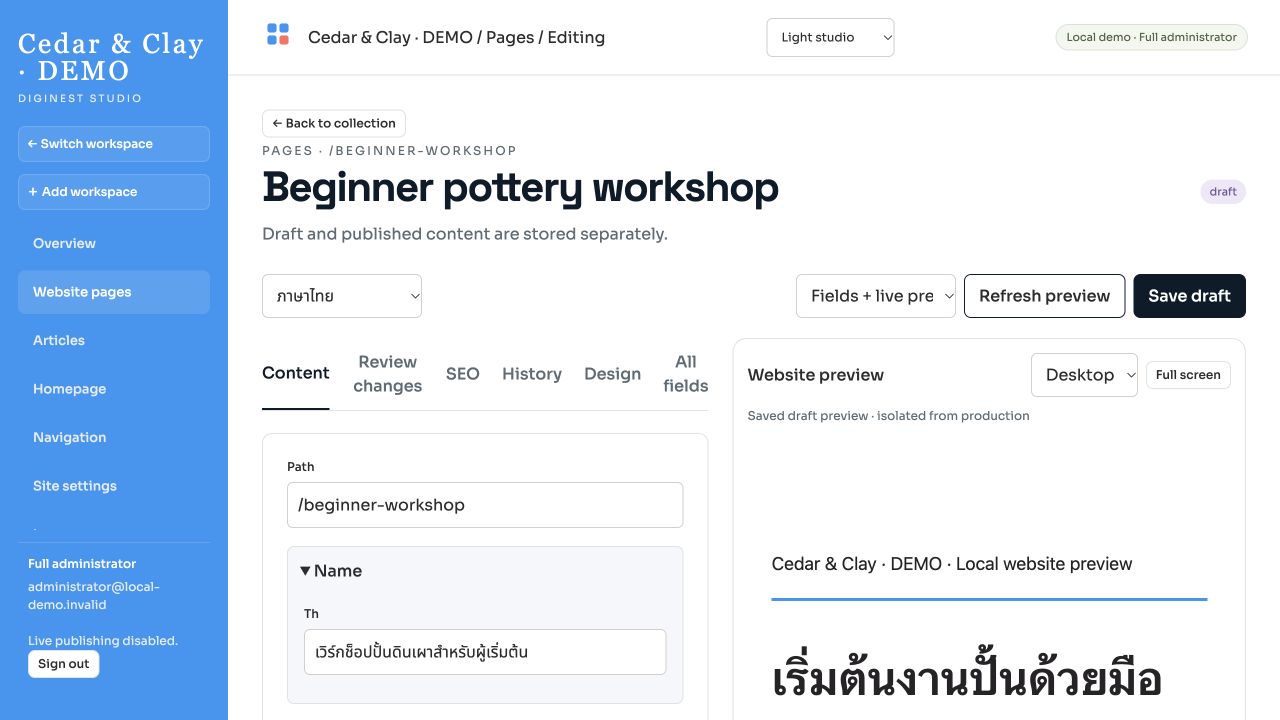
6. Agree the team's everyday routine
Name the person who prepares content, the person who reviews it and the person who authorizes release. Keep one person responsible for layout and website code. Record the connection details and support route without storing secret values in a shared checklist.
You have reached the useful milestone when the right content appears on the right website through the agreed workflow. A saved setting or successful login alone does not establish that result.
Ready for connection review? Follow the detailed DigiNest setup walkthrough, or contact Sales@digigen.io with your non-secret brief.